Lesson Plans
Google Docs vs AI Tools: What's Better for ESL Lesson Planning?
I've got 147 Google Docs in a folder called "ESL Plans 2024-25." Some are beautifully organized. Most are a mess of half-finished ideas, copied links, and color-coded text that I've forgotten the meaning of. Google Docs has been my planning home for years -- and honestly, it's hard to leave.
But after three months of testing AI planning tools alongside my trusty Docs, I've got a clear picture of where each one wins. It's not the answer you'd expect.
Where Google Docs Still Wins
Total control. No template constraints. No output limits. You build exactly what you want, formatted how you want. For experienced ESL teachers who have a clear ESL lesson plan format they've refined over years, Google Docs doesn't get in the way.
Collaboration. Sharing a Google Doc with a co-teacher and editing in real time is still unmatched. Most AI tools export to PDF or their own platform -- they don't support live co-planning the way Docs does.
Institutional memory. Those 147 docs are searchable. When I need to remember how I taught conditionals last February, I search my folder and find it. AI-generated plans live in whatever tool you used, and switching tools means losing your archive.
Where AI Tools Are Clearly Better
Speed. An AI tool generates a complete ESL lesson plan in 30 seconds. In Google Docs, you're building from scratch every time (even with templates, you still fill in every field manually). The time difference is massive -- 2 minutes vs. 30+.
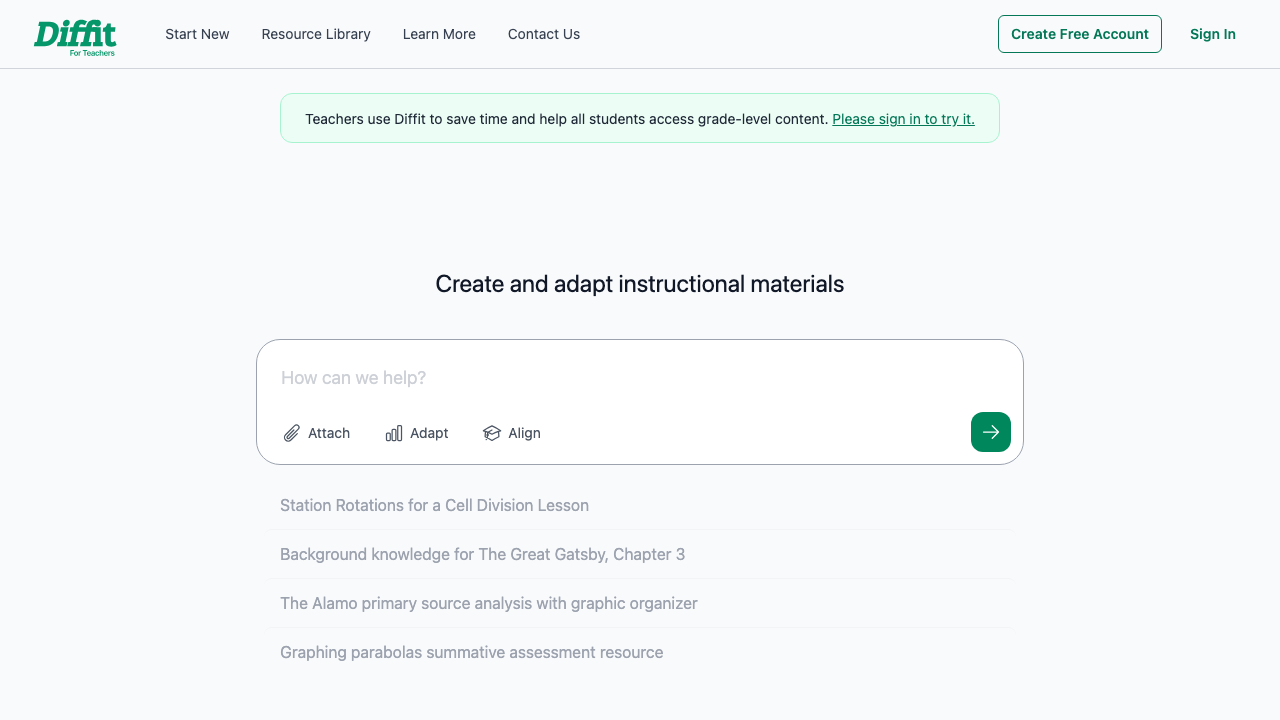
Differentiation. Need the same lesson at three levels? AI handles that in seconds. In Docs, you're manually rewriting sections and adjusting vocabulary. Tools like Diffit generate leveled versions of any text automatically.
Activity generation. Coming up with fresh speaking activities, vocabulary exercises, and discussion questions is where AI shines. It doesn't get tired. It doesn't default to the same three activities you've been recycling since 2019.
Google Docs is a blank canvas. AI is a starting point. The best workflow uses both -- AI for the draft, Docs for the final version.
The Hybrid Workflow That Works
Here's what I've settled on after experimenting:
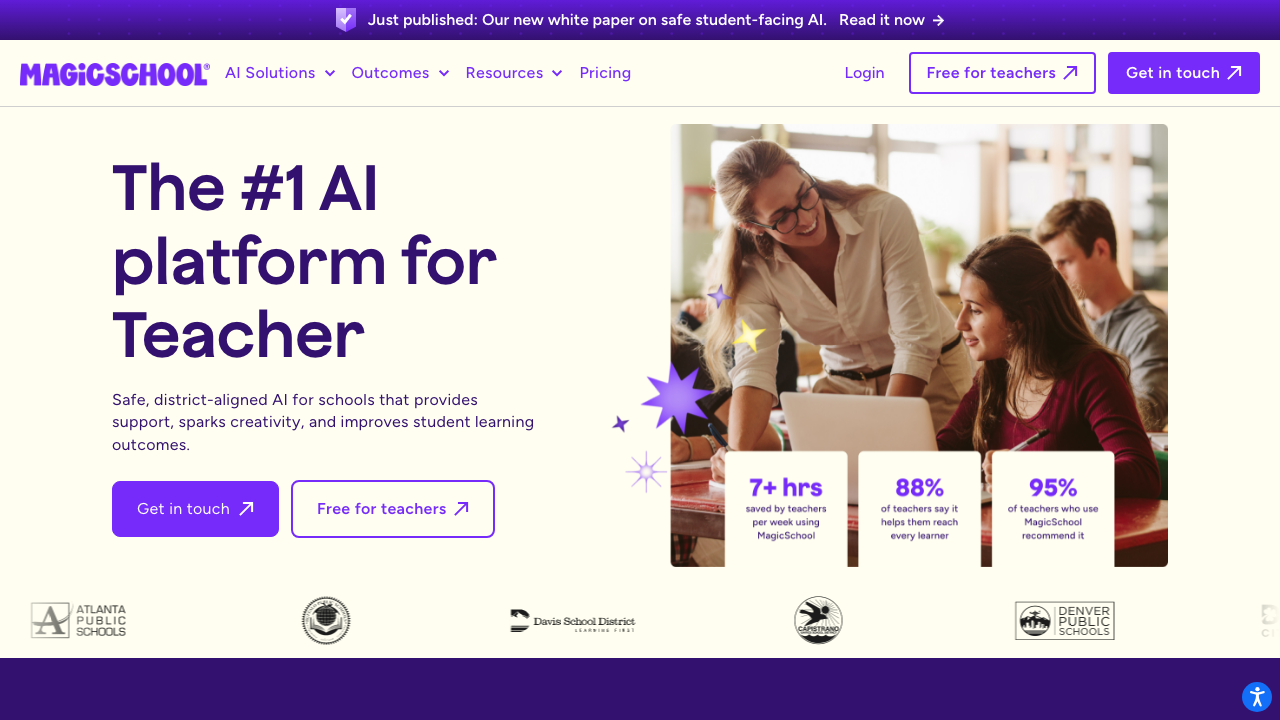
- Generate the plan skeleton in an AI tool like MagicSchool
- Copy the output into a Google Doc template
- Edit, personalize, and add my own activities
- Save in my organized folder for future reference
This gives me the speed of AI and the flexibility of Docs. Planning time dropped from 40 minutes to about 15, and I still have a searchable archive of everything I've taught.
Which Should You Pick?
If you're a new teacher still developing your planning style, start with AI tools. They'll teach you structure while saving you time. If you're a veteran with a system that works, add AI as a brainstorming step rather than replacing your whole process.
Either way, the goal is the same: spend less time planning and more time actually teaching. For more on the tools available, check out how teachers are using ChatGPT for lesson planning and our lesson plan structure guide.