 Lesson Plans
Best AI Tools for Writing ESL Lesson Plans in 2025
Last Tuesday I spent 45 minutes writing a single ESL lesson plan for my intermediate adults class in Houston. By the time I finished formatting the warm-up, practice stages, and assessment rubric, half my planning period was gone. Sound familiar?
That was the week I finally gave AI lesson planning tools a real shot. Not just a curiosity click -- a genuine, side-by-side test with my usual Google Docs workflow. Some of these tools blew me away. Others? Not so much.
Here's what I found after testing seven AI-powered ESL lesson plan generators over three weeks of actual classroom use.
Why Manual ESL Lesson Plans Eat Your Weekends
A 2024 RAND Corporation survey found that U.S. teachers spend an average of 7 hours per week on lesson planning alone. For ESL teachers juggling multiple proficiency levels in one room, that number climbs higher. You're not just planning content -- you're differentiating for beginners who can't read the instructions and advanced students who finished ten minutes ago.
AI doesn't replace your teaching instincts. But it can handle the scaffolding so you can focus on the parts that actually need a human brain.
The Tools That Actually Deliver
1. MagicSchool AI
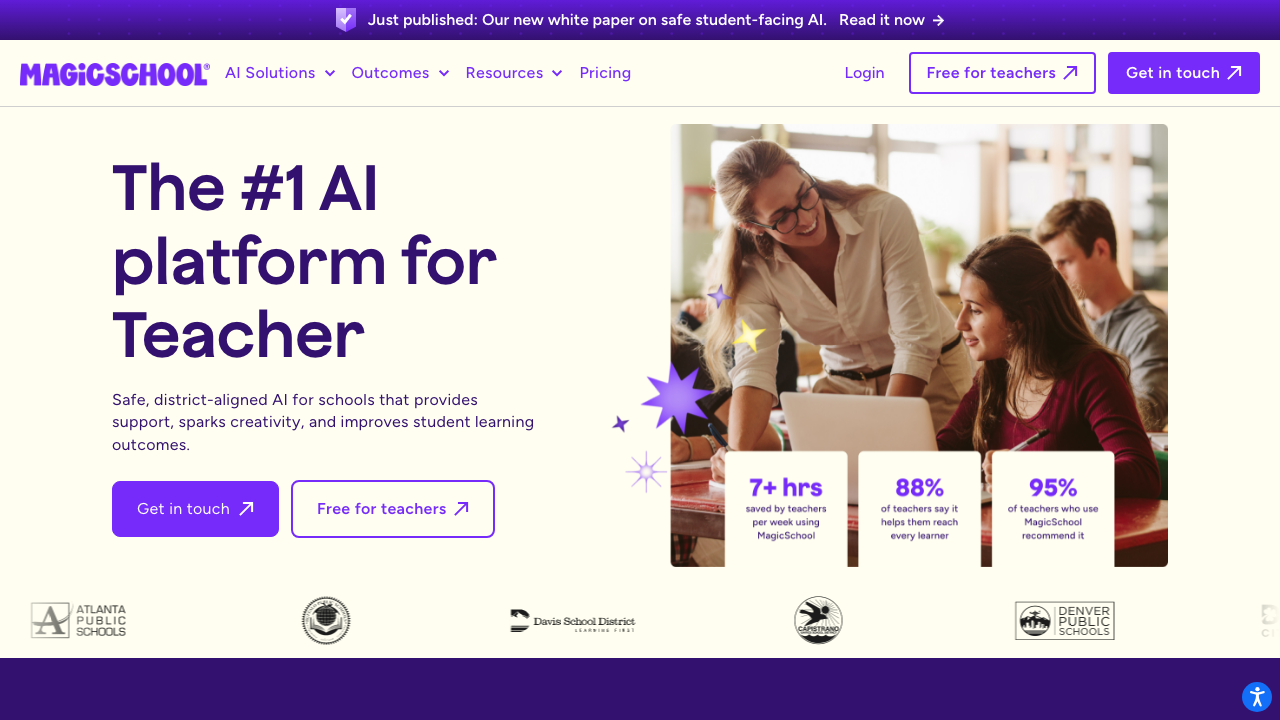
This one's built specifically for teachers, and it shows. You pick "ESL Lesson Plan," enter your topic, level, and time frame, and it generates a structured plan with objectives, vocabulary lists, and differentiated activities. The output isn't perfect -- I always tweak the discussion questions -- but it gets you 80% there in under two minutes.
2. Chalk.AI
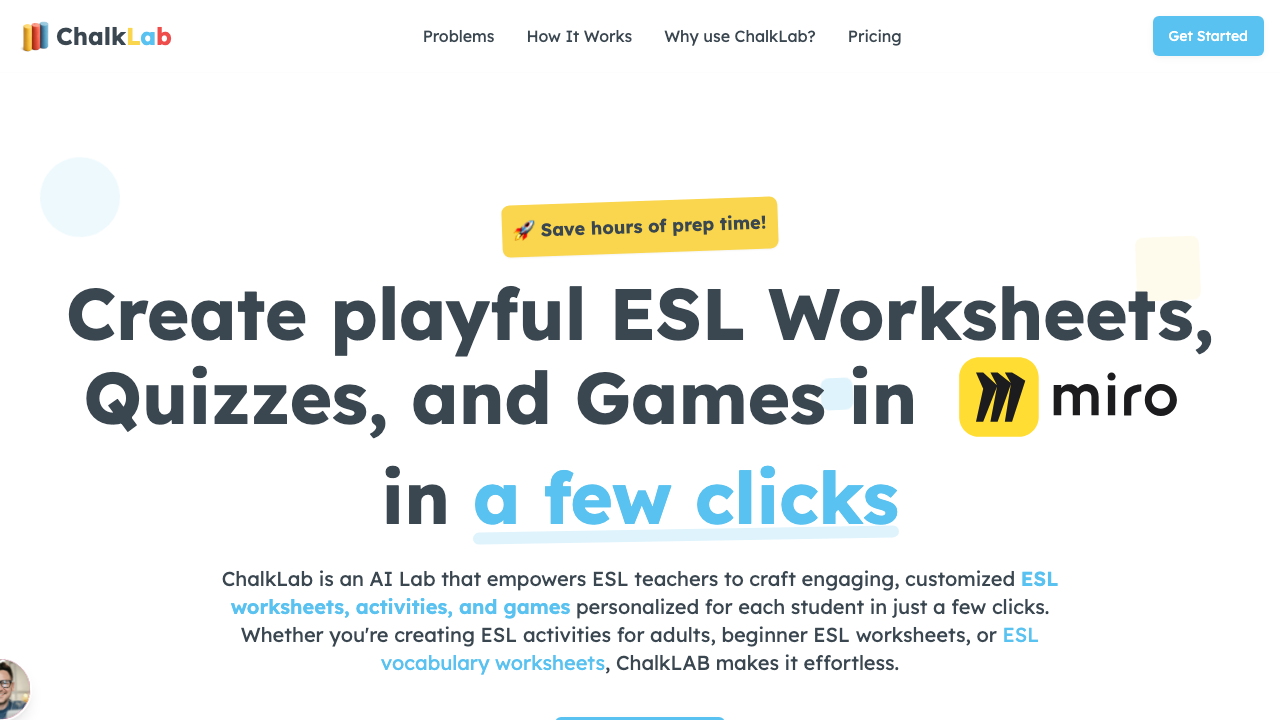
Chalk takes a different approach. Instead of generating one plan, it gives you a full week's worth of connected ESL lesson plans aligned to standards. The vocabulary spiraling is genuinely impressive. It reintroduces words from previous lessons without you having to track that manually.
3. Diffit
Technically a reading tool, but don't overlook it for lesson planning. Paste any article URL and Diffit creates leveled versions with comprehension questions, vocabulary highlights, and writing prompts. I've built entire 50-minute lessons around a single Diffit output for my adult ESL classes.
4. Curipod
Best for interactive presentation-style lessons. You type a topic and it generates slides with built-in polls, word clouds, and open-ended questions. The ESL-specific templates are solid for speaking practice, though the grammar explanations sometimes need editing.
5. Twee
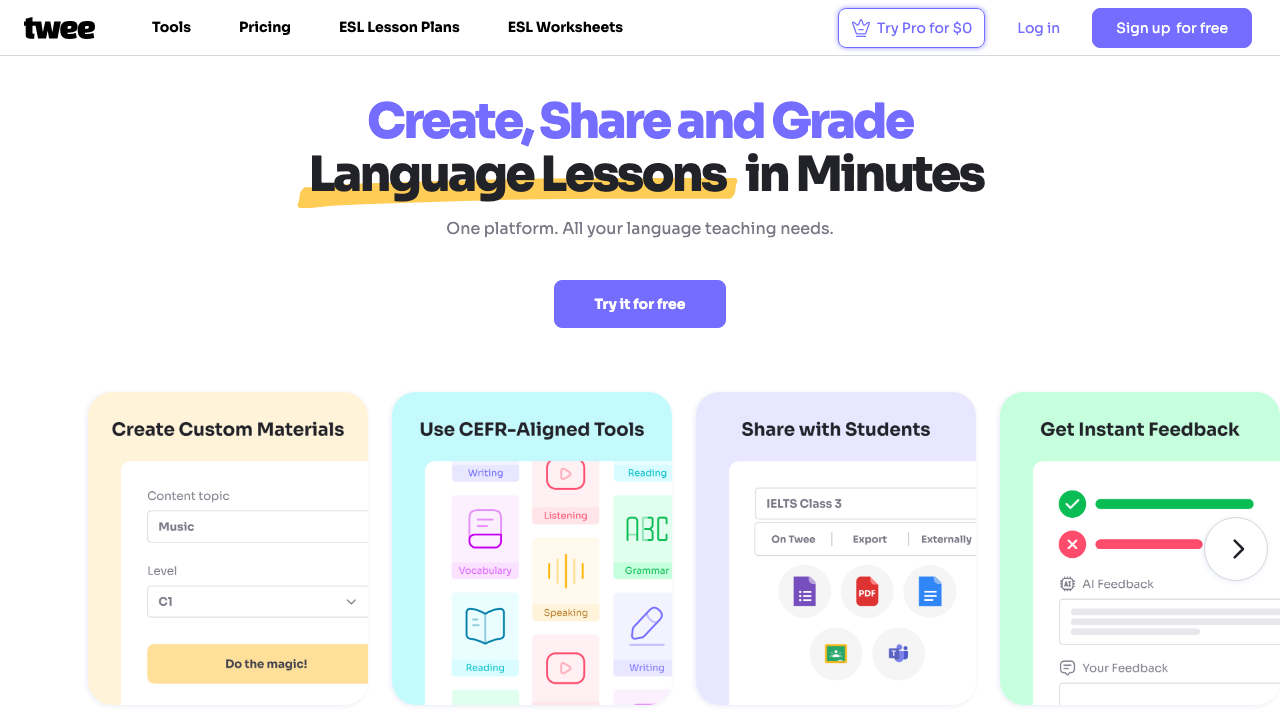
Twee is laser-focused on English teaching. It generates dialogues, vocabulary exercises, fill-in-the-blank activities, and discussion questions from any YouTube video or text. The dialogue generator alone saves me 20 minutes per lesson.
What These Tools Can't Do
No AI tool knows that Maria in your B1 class shuts down when you call on her directly, or that your Thursday group needs extra transition time because they come straight from a math class that drains them. Context is yours. These tools handle structure.
Think of AI as your lesson plan first draft. You still need to edit, personalize, and sometimes throw out whole sections. But starting from something is always faster than starting from nothing.
My Actual Workflow Now
Here's what a typical planning session looks like for me after adopting these tools:
- Generate a base plan in MagicSchool (2 minutes)
- Pull a leveled reading from Diffit if the lesson needs one (3 minutes)
- Add a Twee-generated dialogue for the speaking portion (2 minutes)
- Review, tweak, and personalize for my specific class (10 minutes)
Total: about 17 minutes. That's a third of what I used to spend.
Pick One and Start There
Don't try all five at once. Pick the one that matches your biggest pain point. If you spend the most time on structuring your lesson plans, start with MagicSchool or Chalk. If finding level-appropriate reading material is your bottleneck, go with Diffit. You can always expand your toolkit later -- but one tool used well beats five tools used badly.