 Games
GamesESL Games Plus Review: Is It Still Worth Using in 2025?
ESL Games Plus was one of the first websites I used when I started teaching ESL in 2018. Back then, it felt like finding hidden treasure -- free interactive games organized by grammar point and vocabulary topic. In 2025, the treasure hasn't changed much. And that's both a strength and a weakness.
What ESL Games Plus Gets Right
The content library is massive. Board games, pirate games, basketball games, monster games -- each one drilling a specific vocabulary set or grammar point. Animals, food, body parts, present tense, past tense, comparatives. If you teach elementary or pre-intermediate ESL, there's probably a game for whatever you're covering this week.
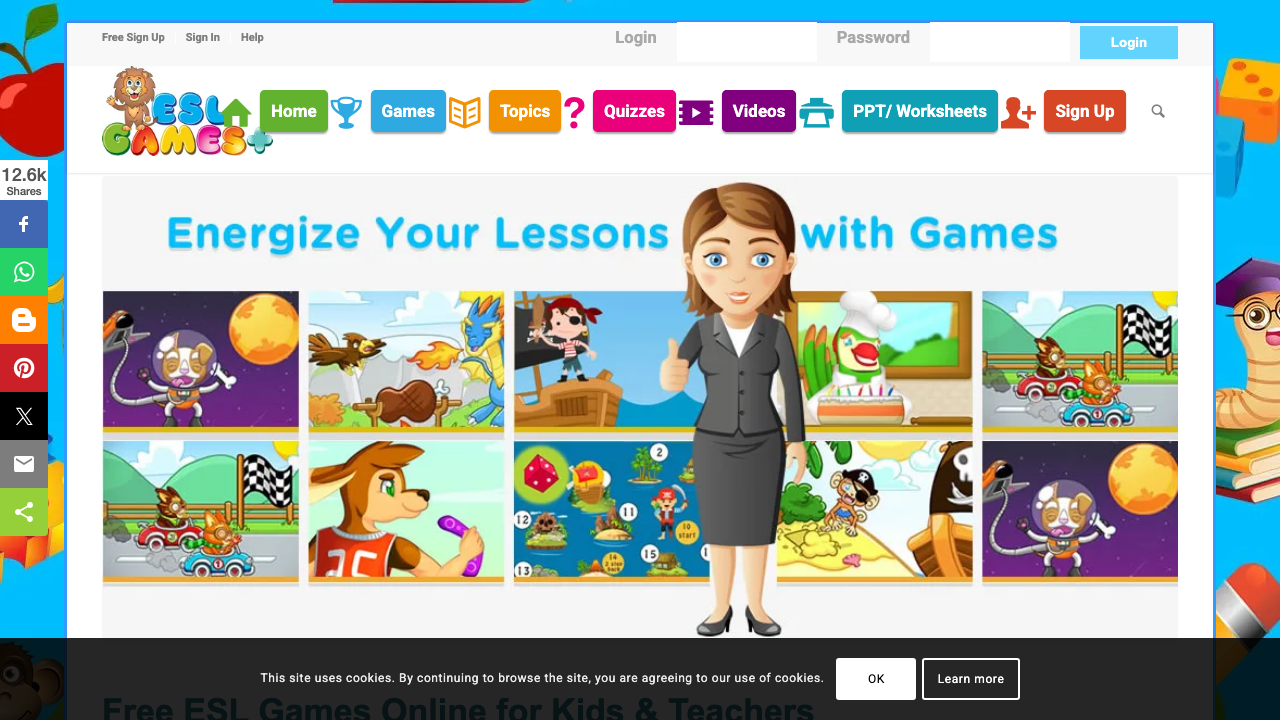
It's free. Genuinely free -- no hidden paywalls, no "upgrade for the good stuff" tricks. You open the site, pick a game, and students play. No accounts needed. That alone keeps it relevant for teachers in schools with zero tech budget.
The games work on most devices. I've used them on ancient school Chromebooks, iPads, and student phones without major issues. They're built in HTML5 now (the old Flash games were retired), so browser compatibility is decent.
Where It Shows Its Age
The design. There's no polite way to say this -- the games look dated. The graphics are functional but nowhere near what students see in modern apps and games. My teenage students in Bangkok gave me a look that said "seriously?" when I first showed them the site. Younger kids (under 10) don't seem to mind.
No customization. You can't edit the vocabulary or add your own content. You play what's there. If the "food vocabulary" game doesn't include the specific words you taught this week, you're out of luck. This is the biggest difference between ESL Games Plus and tools like Wordwall or Kahoot!, where you create your own content.
No student data. You can't track who played, how they scored, or which words they struggled with. It's a standalone activity with no reporting. For homework accountability, this is a problem.
The Alternatives Worth Considering
Wordwall -- Custom games from your own vocabulary. Modern interface. Free tier with 5 activities. This is what I recommend for teachers who want ESL Games Plus but with their own content.
Blooket -- More engaging game mechanics, student tracking, custom content. Kids prefer it over ESL Games Plus by a wide margin in my experience.
Gimkit -- For older students (10+) who need more sophisticated game mechanics to stay engaged.
The Verdict: When to Use It
ESL Games Plus still earns its place in one specific scenario: you need a free, no-account, no-setup game for young learners (ages 5-10) to play independently while you work with another group. That's it. For everything else -- custom content, student tracking, modern engagement -- the alternatives are better.
Free and functional beats paid and unused. If ESL Games Plus is the tool your students will actually play, it's the right tool.
For more game comparisons, see best online ESL games for kids and ESL game platforms ranked for adults.