 Games
GamesTop ESL Game Platforms for Adults (Ranked by Teachers)
Adults are weird about games. Tell a room of 35-year-old professionals "We're going to play a game" and half of them visibly tense up. They didn't pay for English classes to play games. But start a Kahoot, and within 90 seconds those same professionals are shouting answers and checking the leaderboard after every question.
The trick with ESL games for adults is framing. Call it a "review activity" or a "team challenge." Don't call it a game. Then use these platforms.
1. Kahoot! -- Best for Whole-Class Energy
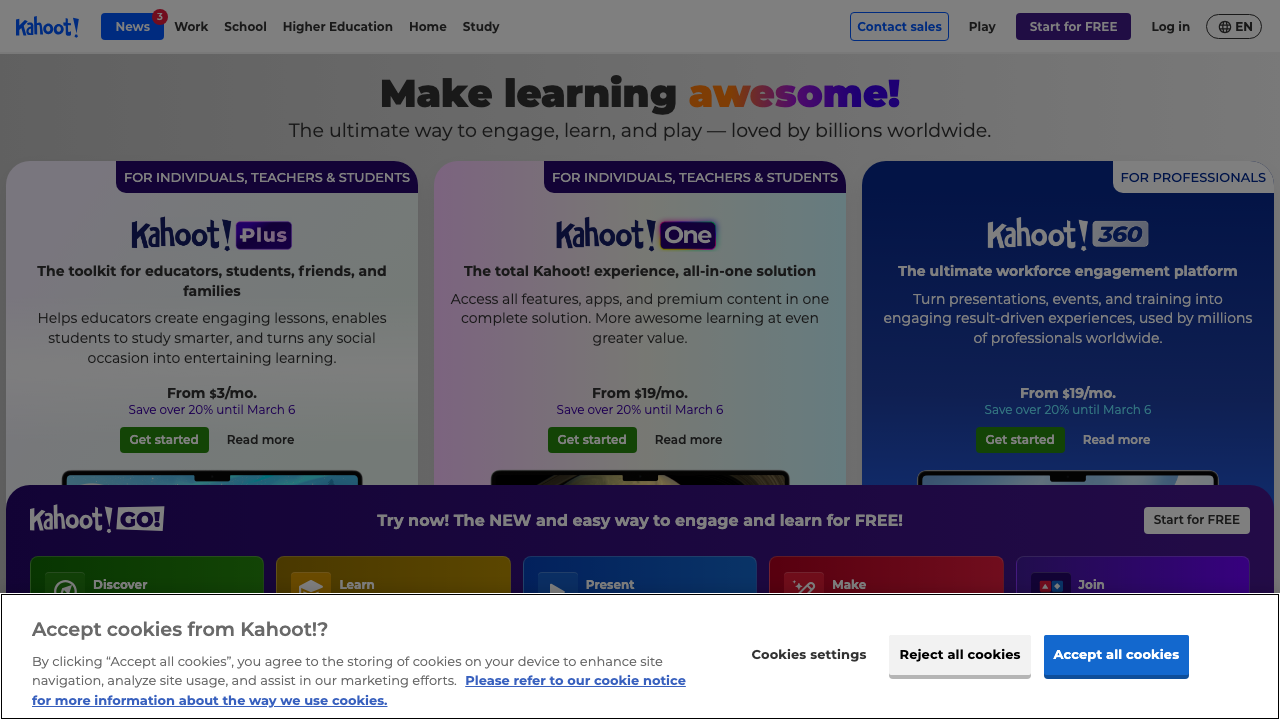
Kahoot! remains number one for adult ESL classes because it works on phones (no app download needed), the interface is dead simple, and the competitive format creates genuine energy. I've used it with corporate English classes in Tokyo, community college students in Miami, and private students in Istanbul. It works everywhere.
Best for: Vocabulary review, grammar checks, end-of-unit reviews. Cost: Free (basic), $3/month (teacher plan).
2. Quizlet Live -- Best for Team Collaboration
Quizlet Live splits students into random teams and shows different answer options on each team member's screen. They have to communicate to find the correct match. This forces speaking in English -- you can't win without talking to your teammates.
For adults, this collaborative format feels more professional than individual competition. It mimics workplace teamwork, which is something business English students particularly appreciate.
Best for: Vocabulary matching, definition practice, team building. Cost: Free (basic), $3/month (teacher plan).
3. Wordwall -- Best for Quick Custom Games
Wordwall lets you create a custom game from any vocabulary list in about three minutes. The game formats (matching, random wheel, anagram) look professional enough that adults don't feel like they're using a children's platform.
Best for: Custom vocabulary review, warm-ups, quick fillers. Cost: Free (5 activities), $4/month (unlimited).
4. Gimkit -- Best for Extended Practice Sessions
Gimkit earns its spot because of the repetition factor. The virtual economy means students answer the same questions multiple times willingly. For vocabulary retention, that repetition is exactly what the research says works.
Fair warning: some adults find the game mechanics childish. It works better with younger adults (20s-30s) than with older professionals. Know your audience.
Best for: Vocabulary drilling, extended review sessions. Cost: Free (basic), $10/month (pro).
5. Blooket -- Best Variety of Game Modes
Blooket has the most diverse game modes -- from tower defense to factory simulations. The variety means the same vocabulary set feels completely different each time. However, the cartoon aesthetic makes it better for university students than corporate learners.
Best for: Keeping review sessions fresh, younger adult groups. Cost: Free (basic), $3/month (plus).
What About AI-Generated Games?
ChalkLab generates question sets you can import into any of these platforms. Describe your topic and level, and it produces vocabulary pairs, quiz questions, or matching items ready to paste into Kahoot, Quizlet, or Wordwall. This saves the 15-20 minutes of content creation that every platform requires.
The platform doesn't matter as much as the content quality. A well-designed Kahoot beats a poorly designed Gimkit every time. Invest in good questions first, then pick the platform.
For game alternatives that need no tech at all, read zero-material ESL games for adults. For more tool comparisons, see our ESL activity generator comparison.