 Games
GamesBest Online ESL Games for Kids Teachers Can Use Right Now
My third graders in Taipei had a 10-minute gap between activities. I pulled up an online ESL game on the projector and suddenly had 28 kids screaming vocabulary words at the screen like it was a soccer match. That's the power of a good game -- it turns dead time into the most energetic learning moment of the day.
Not all ESL games for kids are created equal, though. Some are glorified flashcard apps with annoying sound effects. Others are genuinely well-designed learning tools. Here are eight that I've tested with real classes.
Free Online ESL Games for Kids
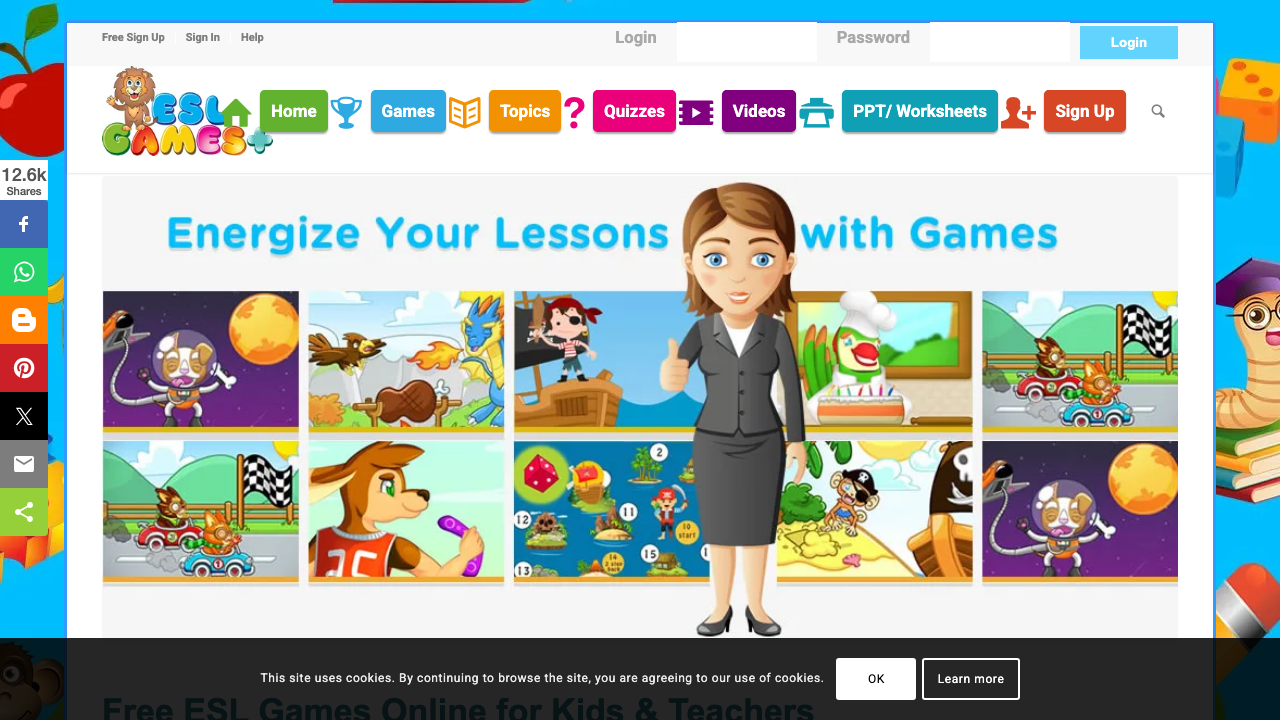
ESL Games Plus -- Ages 5-12. Board games, monster games, and pirate games that practice vocabulary and grammar. The games are simple enough for young learners to navigate independently. The vocabulary categories (animals, food, body parts, colors) cover exactly what elementary ESL curricula require.
Wordwall -- Ages 6-14. Create custom games from any vocabulary list in two minutes. Kids love the whack-a-mole and airplane game modes. The free tier gives you five activities, which is enough to test it properly. I use this more than any other platform because the content is always exactly what my class is studying.
Blooket -- Ages 8-14. Game modes like Tower Defense and Gold Quest that make vocabulary review feel like a real video game. My students don't even realize they're reviewing English -- they think they're playing. The question set creation takes about five minutes.
Premium ESL Game Platforms for Kids
Kahoot! -- Ages 6+. The classic for a reason. The countdown timer, the music, the leaderboard -- it's engineered for excitement. Works best on a projector with the whole class playing simultaneously. The free version is limited but functional; the paid version ($3/month for teachers) unlocks image-based questions that work brilliantly for young learners.
Gimkit -- Ages 10+. More complex than Kahoot, which makes it better for older kids. The virtual currency system hooks students into repeated practice. My 6th graders in Busan played a single vocabulary Gimkit for 25 minutes straight without losing focus.
Starfall -- Ages 4-8. Specifically designed for beginning readers and English learners. The phonics games are excellent for kids who are learning to read in English simultaneously. Free basic access, paid membership for full content.
ABCya -- Ages 4-12. Organized by grade level with games covering letters, phonics, vocabulary, and basic grammar. The interface is colorful and kid-friendly. Some games are free; full access requires a subscription.
Quizlet -- Ages 10+. Quizlet Live turns flashcard sets into team-based classroom games. Older kids love the competitive aspect. The matching game mode is particularly good for vocabulary pairs.
Choosing the Right Game for the Right Age
- Ages 4-7: Starfall, ABCya, ESL Games Plus (simple, visual, phonics-heavy)
- Ages 8-10: Wordwall, Blooket, Kahoot (interactive, competitive, vocabulary-focused)
- Ages 11-14: Gimkit, Quizlet Live, Blooket (more complex mechanics, grammar + vocabulary)
The game that works is the one your students will actually play more than once. Test two or three, then commit to the one that generates the most genuine engagement.
For creating custom game content, ChalkLab generates vocabulary lists, question sets, and game prompts that you can import directly into any of these platforms. It's faster than writing questions manually.
Also see our Kahoot vocabulary guide and turning worksheets into interactive games.