 Activities
Comparing the Top ESL Activity Generators for Teachers
I spent three weeks using five different AI-powered ESL activity generators for every class I taught. Same topics, same levels, different tools. By the end, I had strong opinions about which ones are worth the money and which ones waste your time. Here's the honest breakdown.
The Five Tools I Tested
ChalkLab -- Best Overall for ESL-Specific Activities
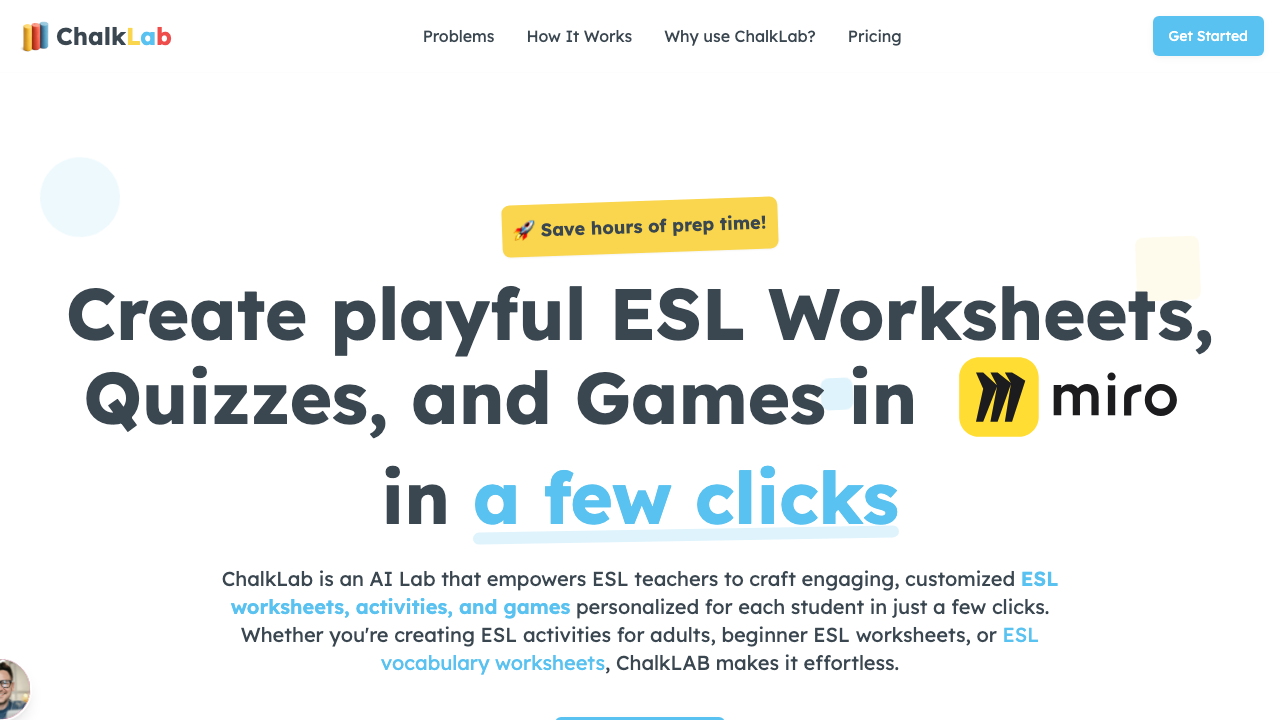
What it does well: Generates complete, structured activities with correct CEFR-level vocabulary. The output includes warm-up, main activity, and follow-up components. Understands the difference between a B1 gap-fill and a C1 gap-fill without you having to explain it.
Where it falls short: Smaller template library than MagicSchool. Fewer non-ESL features.
Best for: Teachers who need ready-to-use ESL activities without heavy editing.
MagicSchool AI -- Best Template Variety
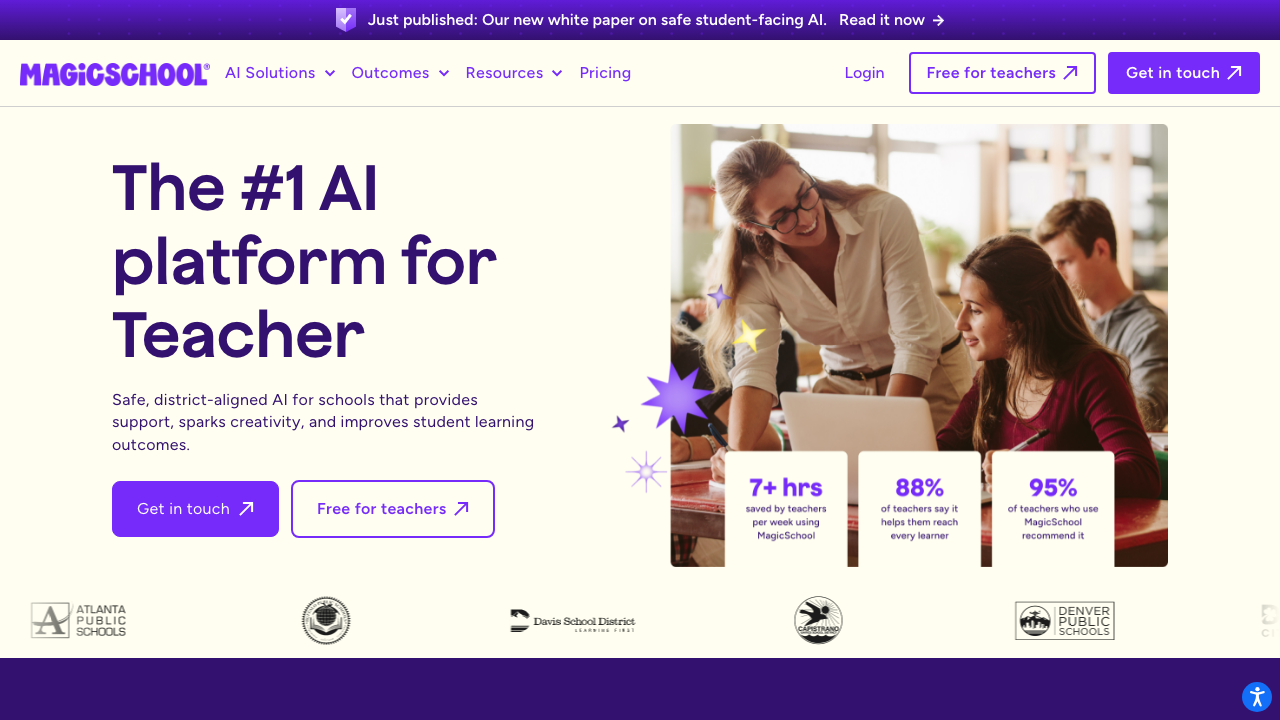
What it does well: Over 60 templates covering every possible teaching need. The ESL-specific templates are solid, and the general education templates (rubric makers, assessment generators) add value if you teach in a school setting.
Where it falls short: Some ESL output needs level adjustment. I got B2 vocabulary in an A2 activity once. The templates guide you, but they don't guarantee ESL-appropriate results.
Best for: Teachers who need variety beyond just ESL activities -- rubrics, assessments, parent communication.
Twee -- Best for Content-Based Activities
What it does well: Excels when you have source material. Paste an article or YouTube link, and it builds vocabulary, comprehension, and discussion activities around that content. The text-to-activity pipeline is smoother than any other tool.
Where it falls short: Less useful when you're starting from scratch with just a topic and level. It needs input content to work from.
Best for: Teachers who build lessons around texts, videos, and authentic materials.
ChatGPT -- Best Free Option (with Caveats)
What it does well: Completely free tier available. Generates ideas fast. Flexible -- you can ask for literally anything. Good for brainstorming when you're stuck.
Where it falls short: Doesn't understand CEFR levels reliably. Output requires more editing than purpose-built tools. No ESL-specific templates, so your prompt quality determines your output quality. I've gotten activities that would work for native speakers but completely miss the mark for ESL learners.
Best for: Teachers on a zero budget who are comfortable writing detailed prompts.
Diffit -- Best for Reading and Leveling
What it does well: Takes any text and creates multiple leveled versions with vocabulary support. The reading comprehension activities are strong. Perfect for mixed-level classes.
Where it falls short: Focused on reading. Not the right tool for speaking, listening, or grammar activities.
Best for: Teachers who need differentiated reading activities for mixed-level classes.
The Quick Comparison
If I could only pick one: ChalkLab for ESL-specific activity generation. If I could pick two, I'd add Twee for content-based lessons. If budget is zero, ChatGPT with carefully crafted prompts gets you 70% of the way there.
Every tool on this list will save you time. The question is which one saves you the most time for your specific teaching context.
For more tool recommendations, see our full guide to AI activity generators and AI-powered no-prep activities.