 Lesson Plans
How to Use AI to Create ESL Lesson Plans for Adults in Minutes
My adult ESL students in Chicago don't want to talk about what their favorite animal is. They want to practice ordering coffee, understanding their lease agreement, and nailing a job interview. The gap between most pre-made ESL lesson plans and what adult learners actually need is enormous.
That's exactly where AI planning tools shine -- they let you generate ESL lesson plans for adults around real-world topics in minutes, not hours.
Why Adult ESL Lesson Plans Need a Different Approach
Adults bring something kids don't: life experience and zero patience for anything that feels childish. A 35-year-old engineer from Seoul doesn't need flashcards with cartoon animals. She needs vocabulary for her performance review next Thursday.
Good adult ESL lesson plans share a few traits:
- Topics grounded in real situations -- work, housing, healthcare, banking
- Respect for existing knowledge (adults know things; they just can't say them in English yet)
- Flexible pacing, because the student who works night shifts isn't going to do homework
- Immediate applicability -- "I can use this tomorrow" should be the goal
The AI Prompt That Changed My Planning
Here's the exact prompt I use in MagicSchool AI when I need an adult-focused lesson plan:
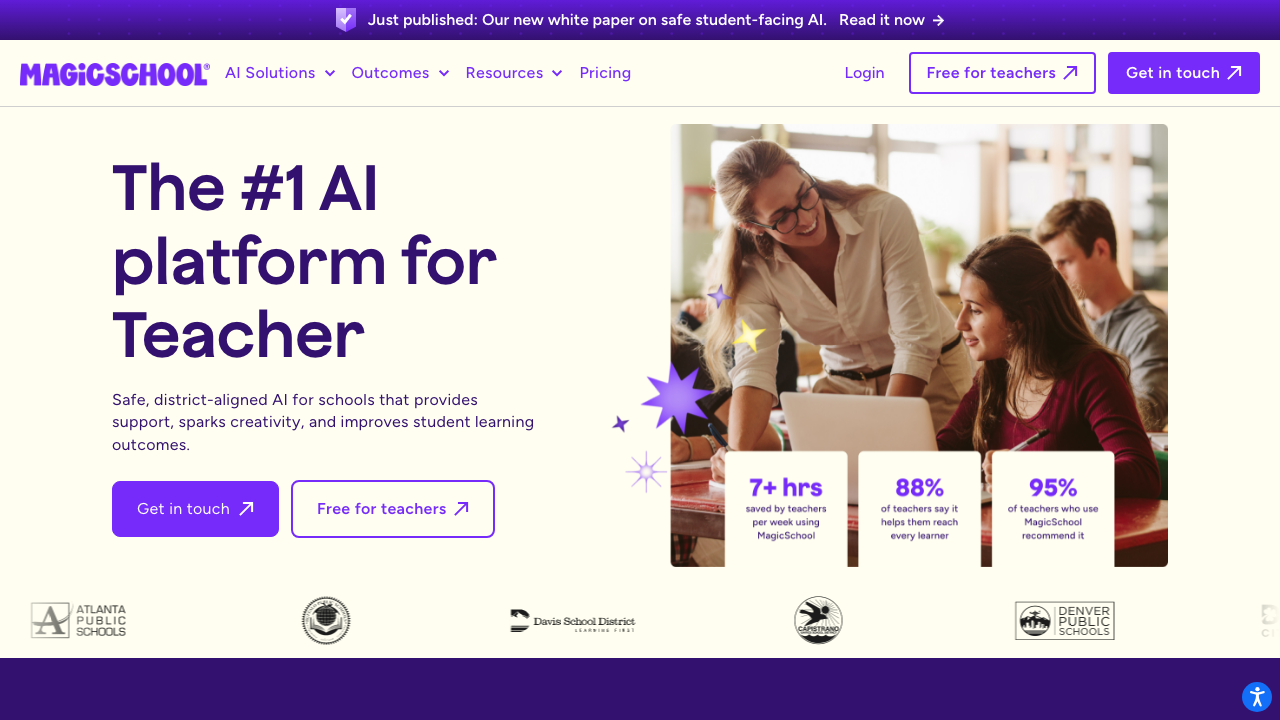
"Create a 60-minute ESL lesson plan for intermediate adult learners. Topic: navigating a doctor's appointment. Include a warm-up, vocabulary introduction, a role-play activity, and a wrap-up. Use realistic dialogue examples. Keep the tone professional, not childish."
That last line matters more than you'd think. Without it, most AI tools default to a tone that works for teenagers. Specifying "adult" and "professional" changes the output significantly.
Tools That Handle Adult Content Well
Not every AI tool gets this right. Some are designed for K-12 and it shows. Here are the ones I trust for adult ESL lesson plans:
MagicSchool AI lets you specify "adult learners" as your audience, and the generated content adjusts accordingly. The workplace English templates are particularly strong.
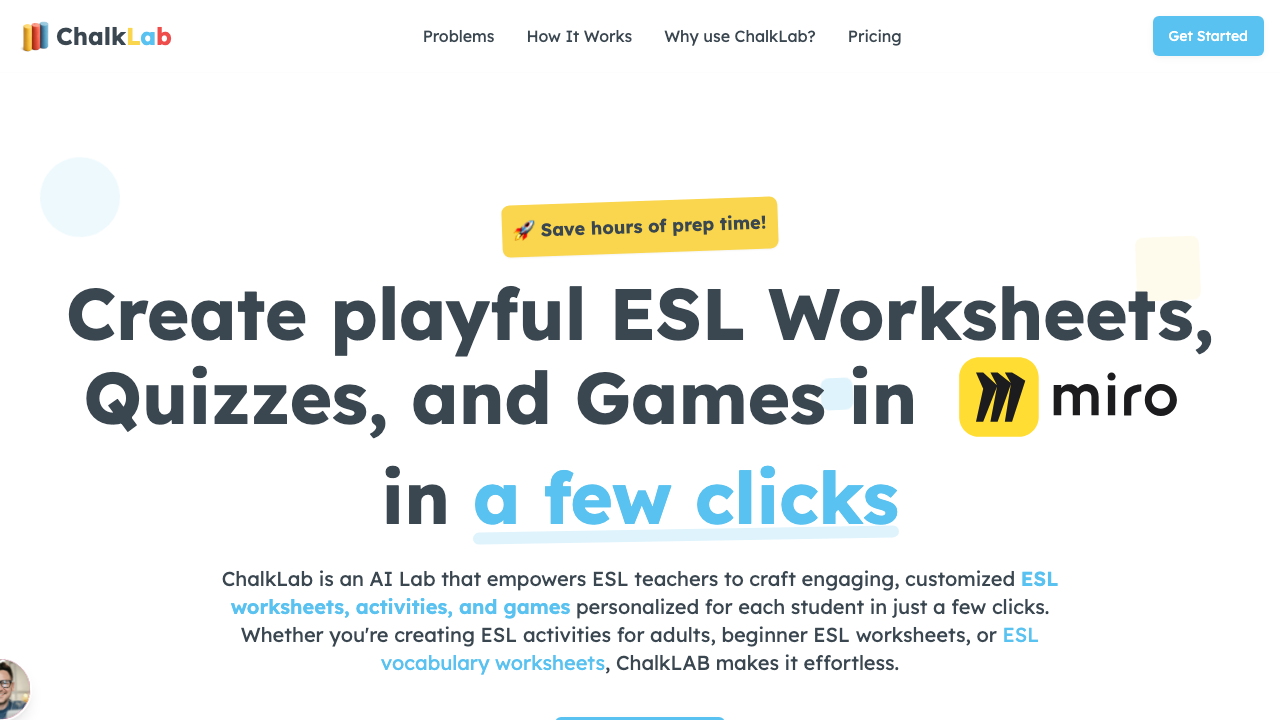
Chalk.AI builds multi-day sequences, which is great for adult programs running 3-hour evening sessions. You can set a theme like "workplace communication" and get a full week of connected lessons. Read more about the best AI tools for ESL lesson plans for a deeper comparison.
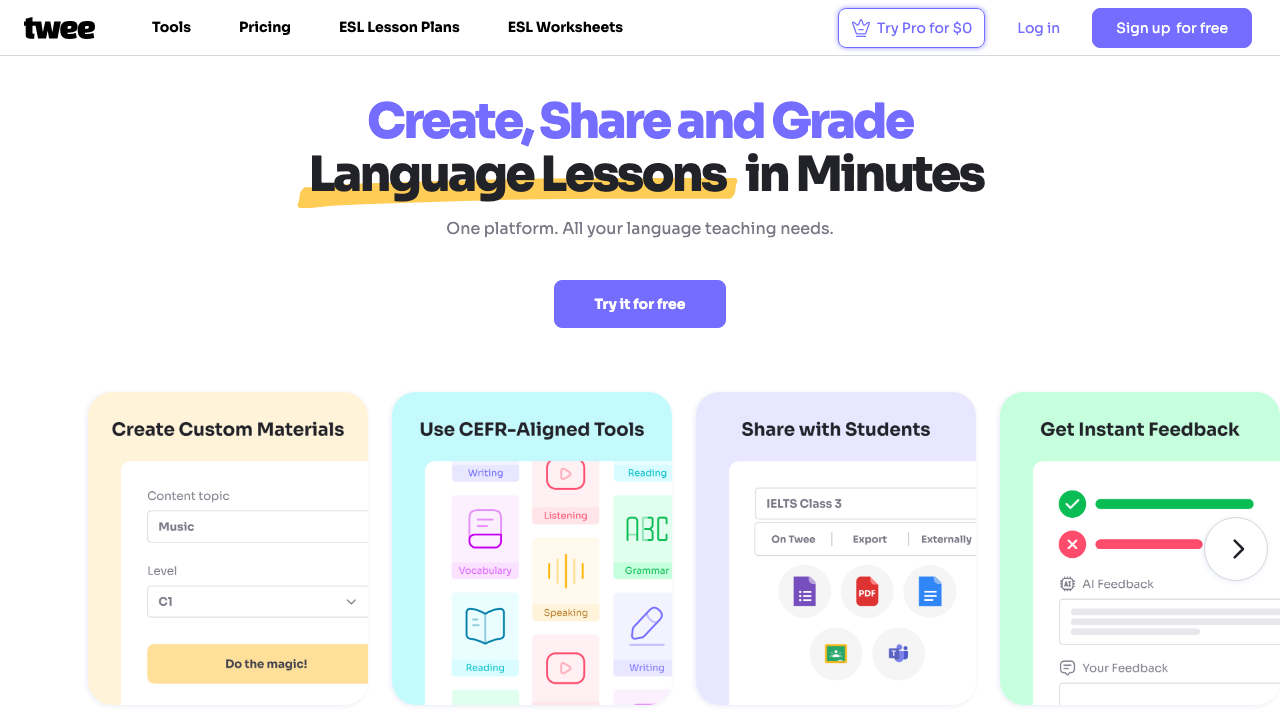
Twee generates dialogues from any scenario you describe. I've used it to create mock phone conversations for scheduling appointments, returning purchases, and resolving billing disputes. Real stuff.
A Sample Lesson I Built in 8 Minutes
Last month I needed a lesson on "asking for clarification at work" for my B1 evening class. Here's what I did:
- Generated a base plan in MagicSchool with the topic and level (2 min)
- Used Twee to create a workplace dialogue with misunderstandings (3 min)
- Added my own role-play scenarios based on my students' actual jobs (3 min)
The lesson ran beautifully. One student -- a line cook at a hotel downtown -- told me he used the clarification phrases the very next day. That's the payoff.
Don't Skip the Personalization Step
AI gives you a solid starting point, but adult learners notice when content feels generic. Swap out the example names for ones that reflect your class. Change the scenario from "a restaurant" to the actual industry your students work in. These small edits take five minutes and make the difference between a lesson that lands and one that doesn't.
Start with one tool, one class, one lesson. See how it goes. You'll probably spend the time you saved wondering why you didn't try this sooner.