 Games
GamesFree Online ESL Games That Work on Any Device
Half my students in San Antonio show up with iPhones. A third have district-issued Chromebooks. Two kids in my Tuesday class share a single Android tablet. And somehow, I'm supposed to find online ESL games that work for all of them.
Good news: they exist. I've tested dozens of free browser-based ESL game platforms over the past year, and these six actually run smoothly regardless of what device your students pull out of their backpacks.
Why "Works on Any Device" Actually Matters
It sounds obvious, but I can't count how many times I've planned a game-based lesson only to discover half the class can't load the site. Flash-based games are dead. Some platforms require app downloads that district Chromebooks block. Others look great on a laptop but become unusable on a phone screen.
The games below are all browser-based, mobile-responsive, and don't require downloads or plugins. That's the baseline.
Six Games Worth Bookmarking
1. Wordwall
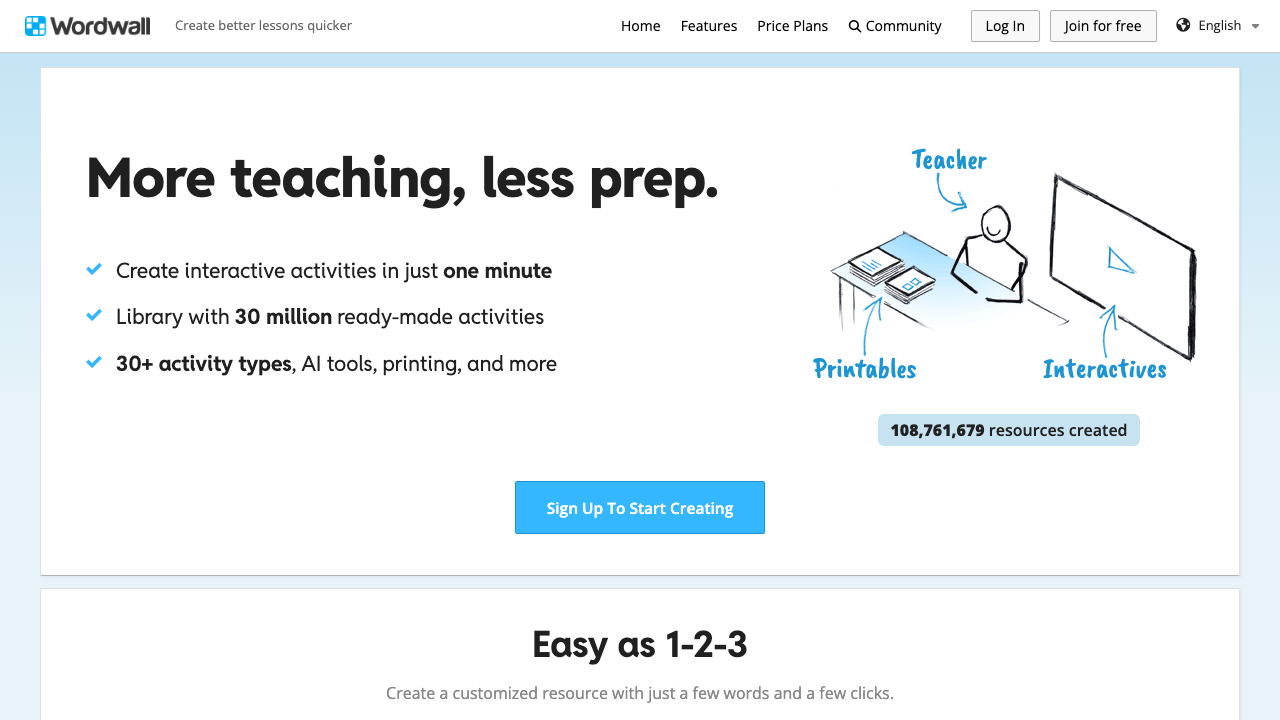
Wordwall is my go-to for quick vocabulary review. You can create matching games, quizzes, word searches, and anagram puzzles -- all from a single word list. The free tier gives you five custom activities, which is enough if you're rotating topics weekly. It runs beautifully on phones, and students don't need accounts to play.
2. Blooket
Students log in with a game code -- no accounts needed on their end. Blooket wraps vocabulary and grammar questions inside game modes like Tower Defense and Gold Quest, which keeps even my most checked-out teenagers engaged. Works on every device I've tried, including a five-year-old iPad that struggles with everything else.
3. Gimkit
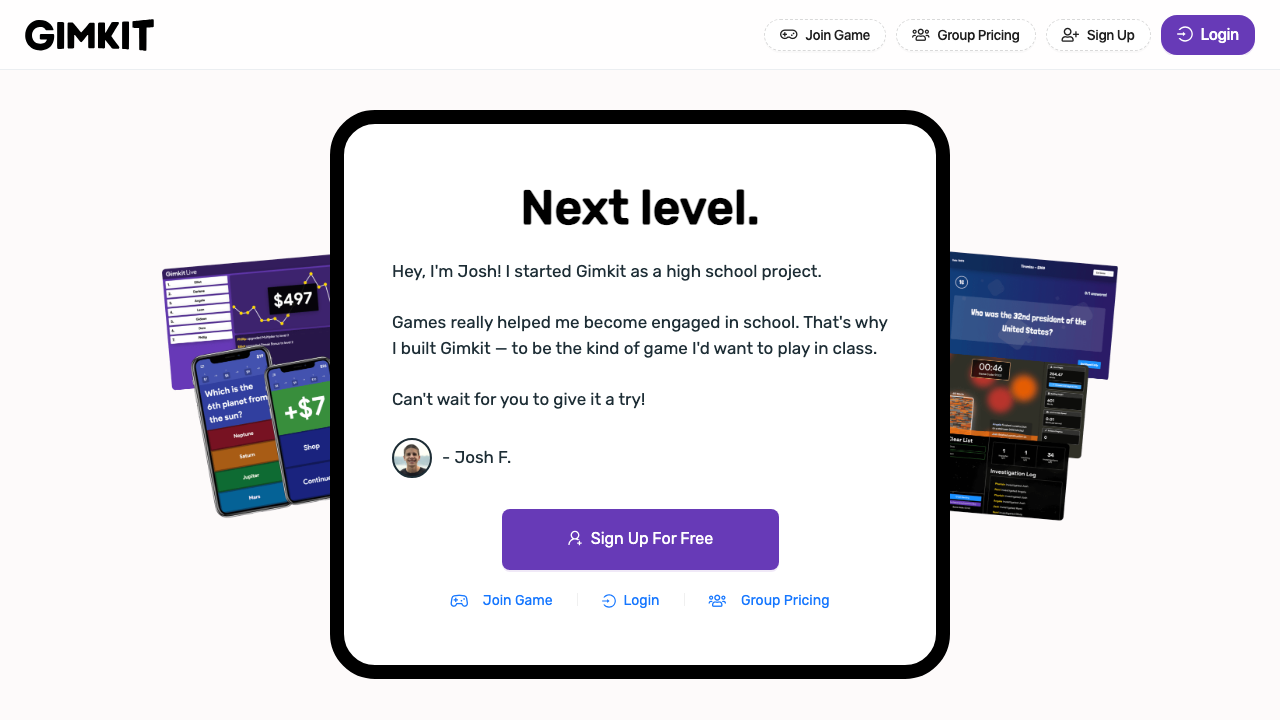
Think Kahoot but with strategy layers. Students earn in-game currency and make choices about upgrades, which adds a motivation loop beyond just answering questions correctly. The ESL angle works well for vocabulary practice and reading comprehension drills. Free version has limits on how many games you can host per day, but it's enough for most teachers.
4. Quizizz
Self-paced and student-friendly. Unlike Kahoot, everyone moves at their own speed, which is a huge deal in mixed-level ESL classes. My A1 students aren't panicking while my B2 students tap their fingers. The meme feedback after each question is silly, but my middle schoolers love it.
5. Kahoot
Yes, everyone knows Kahoot. But it's still one of the most reliable cross-device platforms out there. The competitive format works brilliantly for younger ESL learners, and the question timer creates just enough pressure to push students to read faster without melting down.
6. Flippity
An underrated pick. Flippity turns Google Sheets into flashcard games, bingo boards, word searches, and more. It's completely free, no login needed for students, and since it's just a web page, it loads on literally anything with a browser. The setup takes a few minutes since you're editing a spreadsheet template, but once you get the hang of it, you can crank out custom games fast.
A Quick Comparison
Here's how they stack up on the things that matter most in a real ESL classroom:
- Best for vocabulary drills: Wordwall and Blooket
- Best for mixed-level classes: Quizizz (self-paced)
- Best for engagement with teens: Gimkit and Blooket
- Best for zero setup: Flippity (if you know Google Sheets)
- Best for competitive energy: Kahoot
Start With One, Not Six
I'd pick Wordwall or Blooket if you've never used game platforms before -- they're the fastest from "I have a word list" to "students are playing." Once you've got a rhythm, branch out. And if you want to generate the game content itself using AI, check out how ChalkLab can create question sets you can drop straight into any of these platforms.