 Activities
Best AI Tools for Generating ESL Activity Ideas Instantly
It's Wednesday at 4 PM. You've got a 9 AM class tomorrow on past continuous tense for a group of B1 adults, and you've used every activity idea you have. Sound familiar? I've been there more times than I'd like to admit, usually staring at a blank Google Doc wondering why I chose this career.
AI tools have changed that specific moment for me. Not in a "this replaces teaching" way -- in a "I have six activity options in 30 seconds and I just need to pick one" way. Here are the five ESL activities generators I actually use.
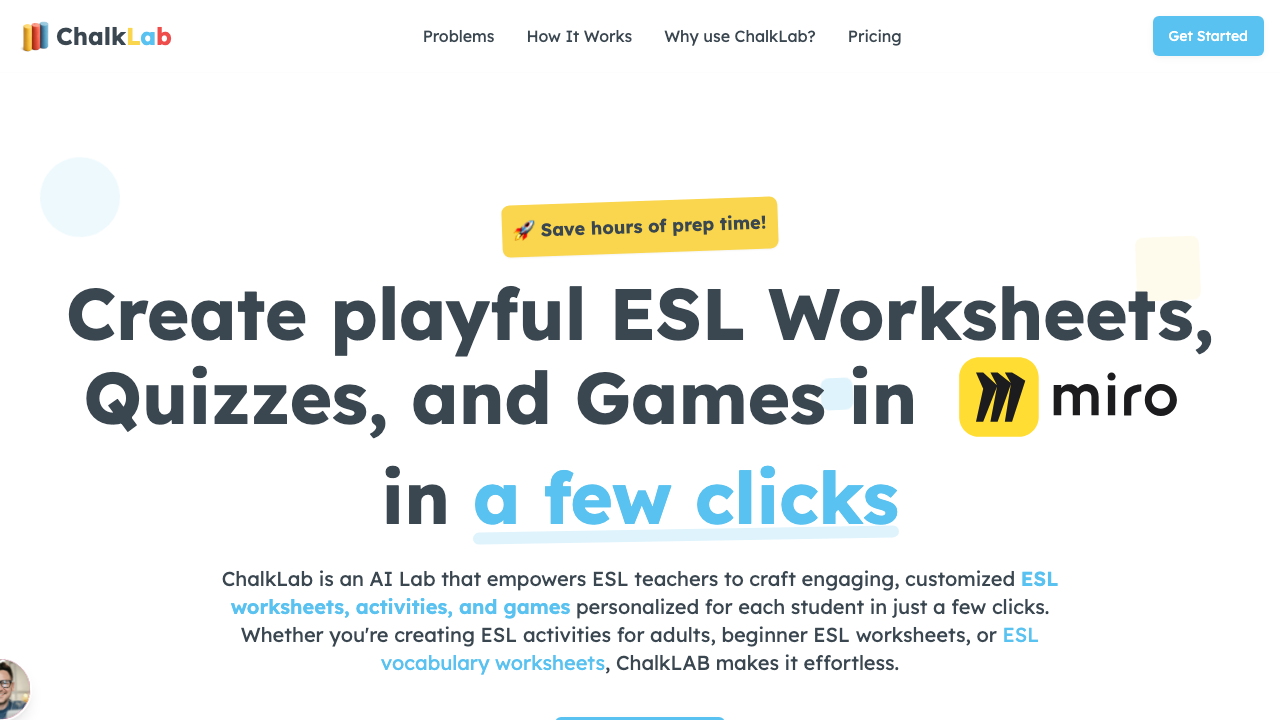
1. ChalkLab -- Best for Complete Activity Plans
ChalkLab is my go-to when I need more than just an idea -- I need the whole activity structured. Tell it the grammar point, the level, and whether you want speaking, writing, or a mix, and it generates a full activity with instructions, example sentences, and timing suggestions.
What sets it apart: the output actually sounds like something a teacher wrote, not a robot. The vocabulary is appropriate for the level, and the instructions are clear enough to hand directly to students. I've used it for everything from A1 vocabulary matching to C1 debate preparation.
2. ChatGPT -- Best for Brainstorming Raw Ideas
ChatGPT excels at generating a list of activity concepts fast. Ask it for "10 speaking activities for B1 adults on the topic of travel" and you'll get a solid starting list. The catch? About half the suggestions will need significant editing. ChatGPT doesn't understand CEFR levels the way a trained ESL tool does.
I use it as a brainstorming partner, not a finished product. It's the "throw everything at the wall" tool.
3. MagicSchool AI -- Best for Structured Templates
MagicSchool AI has specific ESL activity templates built into its interface. You pick "ESL Speaking Activity" or "Vocabulary Exercise," fill in the topic and level, and it generates a formatted activity. The template approach means the output is consistent -- you know what you're getting every time.
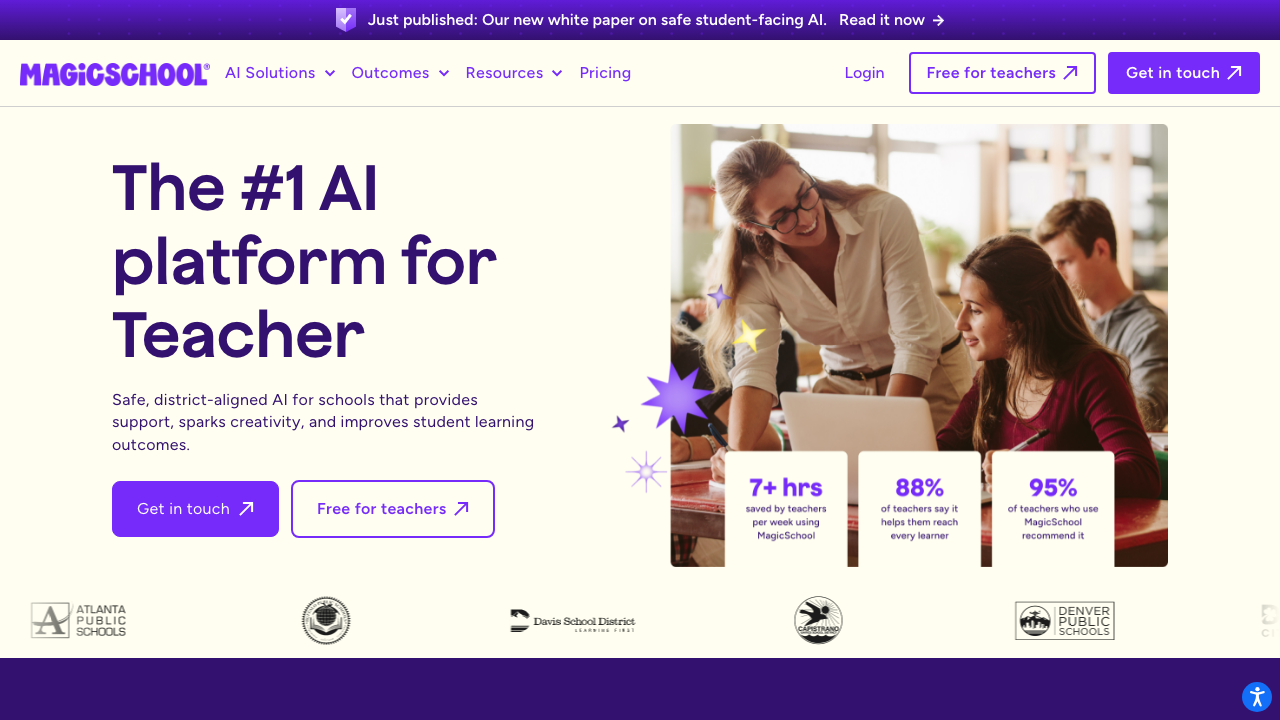
The downside: it's $10/month, and the free tier is quite limited. But if you teach multiple classes across different levels, the time savings compound quickly.
4. Twee -- Best for Text and Video-Based Activities
Twee takes a different approach. Instead of generating activities from a topic, it generates them from content. Paste an article or a YouTube link, and it creates vocabulary exercises, comprehension questions, true/false activities, and discussion prompts based on that specific material.
This is incredibly useful when you've already found a great text or video but don't have time to build the surrounding activities. Twee does the scaffolding work for you.
5. Diffit -- Best for Leveled Reading Activities
Diffit specializes in creating reading activities at multiple levels from a single source text. Feed it an article, choose your target levels, and it generates simplified versions with vocabulary support and comprehension questions for each level. Perfect for mixed-level classes.
Which One Should You Start With?
If you need one tool right now, start with ChalkLab for complete activity generation or ChatGPT for quick brainstorming (it's free). If your teaching is heavily text-based, Twee is the better investment. And if you're drowning in mixed-level classes, Diffit solves a problem no other tool does as well.
The best AI activity generator is the one that gets you from "I have nothing planned" to "I have something solid" in under five minutes. Don't overthink the choice.
For more on this topic, read our guides on AI-generated ESL activities for adults and 10 digital tools for any ESL classroom.