 Activities
Best Tools for Creating ESL Listening Activities from Any Audio
I found the perfect podcast episode for my B2 class -- a 4-minute segment about coffee culture around the world. The audio was great. The problem? No worksheet. No comprehension questions. No vocabulary list. Just raw audio and a class starting in 45 minutes.
This is the gap that audio-to-activity tools fill. You've got the listening source. These tools build everything around it.
Twee -- The Fastest YouTube-to-Activity Tool
Twee is built exactly for this. Paste a YouTube URL and it generates vocabulary exercises, true/false questions, multiple choice comprehension, open-ended discussion questions, and gap-fill activities -- all based on the actual content of the video.
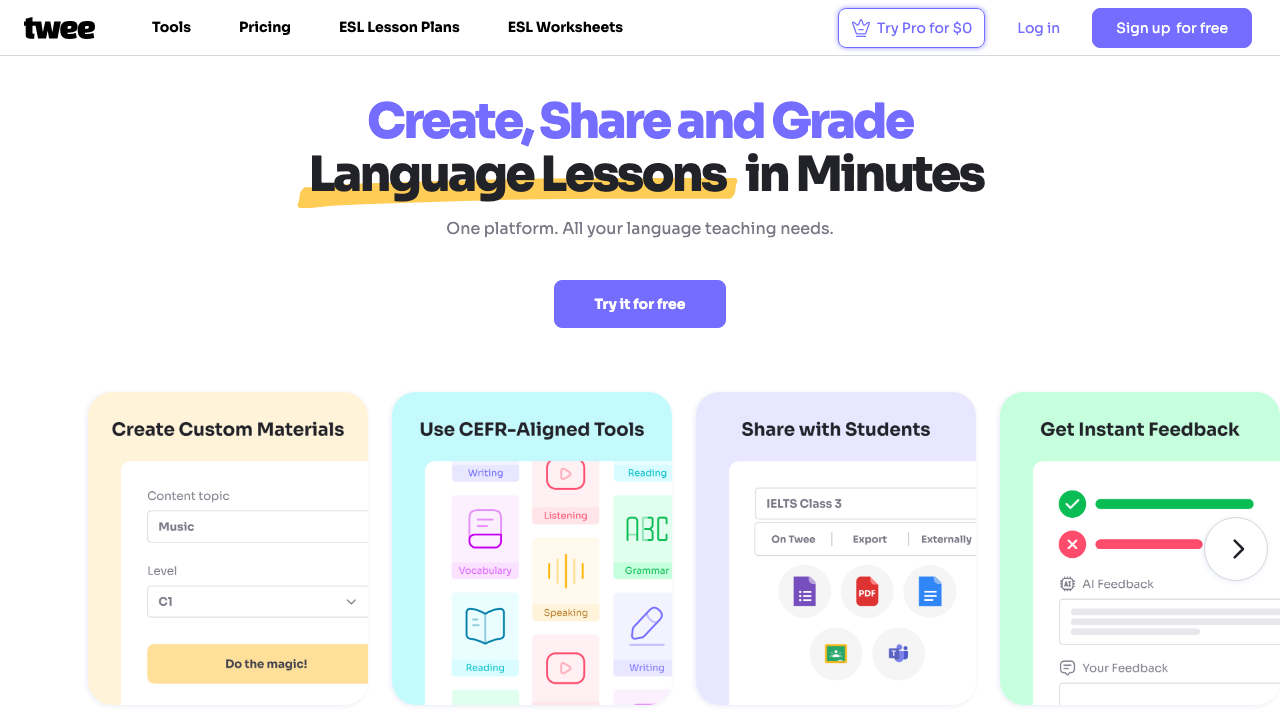
The output needs editing -- maybe 3-5 minutes of tweaking. But compared to writing everything from scratch, it's a massive time saver. I use it at least twice a week for my listening lessons.
Edpuzzle -- Embed Questions Inside the Audio
Edpuzzle takes a different approach. Instead of generating a separate worksheet, it lets you embed questions directly into the video timeline. Students watch, the video pauses at your chosen points, they answer a question, then continue.
The data you get is excellent. You can see exactly where students struggled, how many times they rewatched a section, and which questions tripped them up. It's the closest thing to sitting next to every student individually.
ChalkLab -- When You Need Activities Without a Specific Source
Sometimes you know the topic and level but haven't found the audio yet. ChalkLab generates complete listening activity plans -- pre-listening vocabulary, comprehension tasks, post-listening discussion -- that you can pair with any audio source you find later.
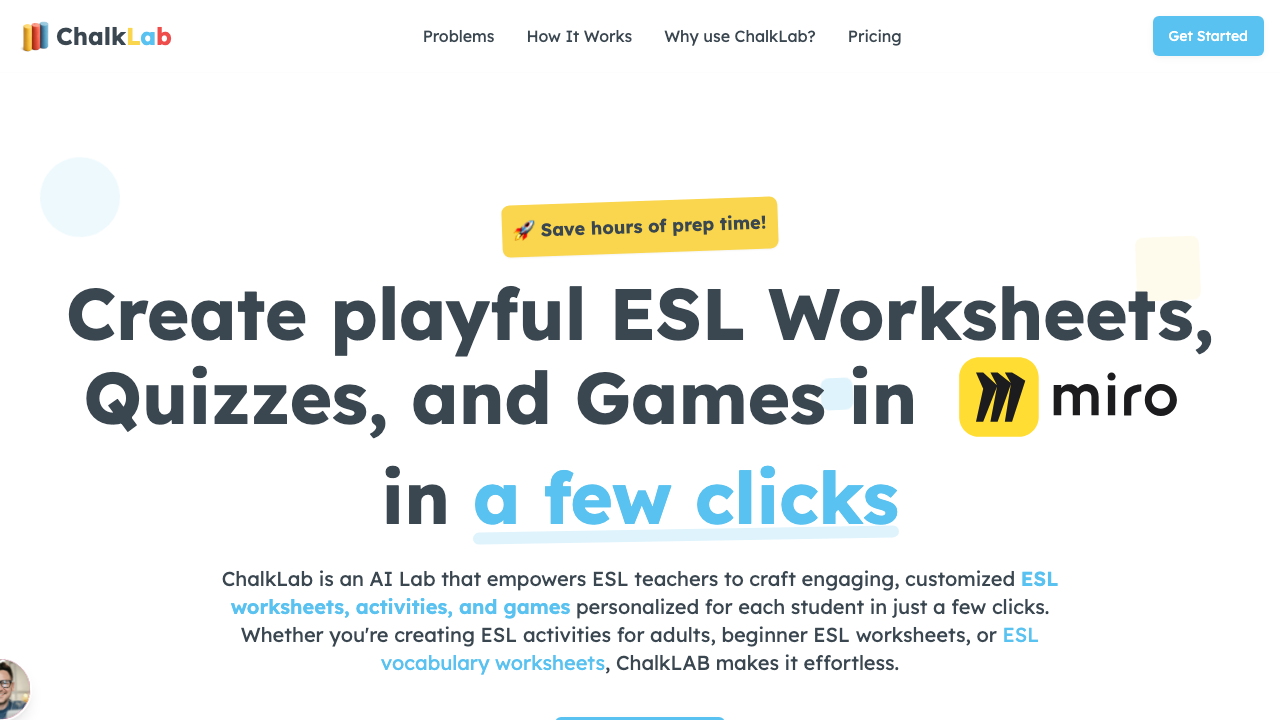
I've used this when a great podcast episode drops the morning of my class. ChalkLab gives me the activity structure, and I match it to whatever audio fits.
The Transcript Hack
Here's a workflow that works with any AI tool: get the transcript first, then generate activities from the text. YouTube auto-generates transcripts (click the three dots under a video, then "Show transcript"). Podcasts on Spotify often have transcripts too.
Copy the transcript, paste it into ChatGPT with a prompt like: "Create 6 comprehension questions about this transcript for B1 ESL students. Include 3 multiple choice and 3 short answer." You'll get decent questions in 15 seconds.
The audio already exists. Your job isn't to find content -- it's to build scaffolding around the content that's already there.
Matching the Tool to the Audio Source
- YouTube videos: Twee or Edpuzzle
- Podcasts: Transcript + ChatGPT or ChalkLab
- Your own recordings: Upload to Google Drive, use ChalkLab for activity generation
- News broadcasts: Breaking News English (already has built-in activities) or Twee
For more listening resources, check out the best ESL listening websites and YouTube strategies for ESL listening.