 Lesson Plans
Best Tools for Building ESL Unit Plans Without Starting from Scratch
A single ESL lesson plan is manageable. A full unit plan -- three to four weeks of connected lessons with vocabulary spiraling, progressive skill-building, and a summative assessment at the end? That's where most teachers hit a wall.
I spent an entire Saturday last fall mapping out a unit on "workplace communication" for my adult intermediate class at a community college in Portland. Eight lessons, each building on the last. It took me six hours. When I finally finished, I realized I'd forgotten to include any listening practice.
There are tools that make this dramatically less painful.
What a Good ESL Unit Plan Needs
Before diving into tools, let's be clear about what we're building. An ESL unit plan isn't just a stack of individual lesson plans. It needs:
- A clear theme that connects every lesson (travel, health, workplace, housing)
- Vocabulary that's introduced early and reviewed throughout the unit
- Skills progression -- each lesson builds on the one before it
- A mix of skill areas: reading, writing, speaking, listening
- Assessment that tests what was actually taught
Tools That Scaffold Unit Planning
Chalk.AI
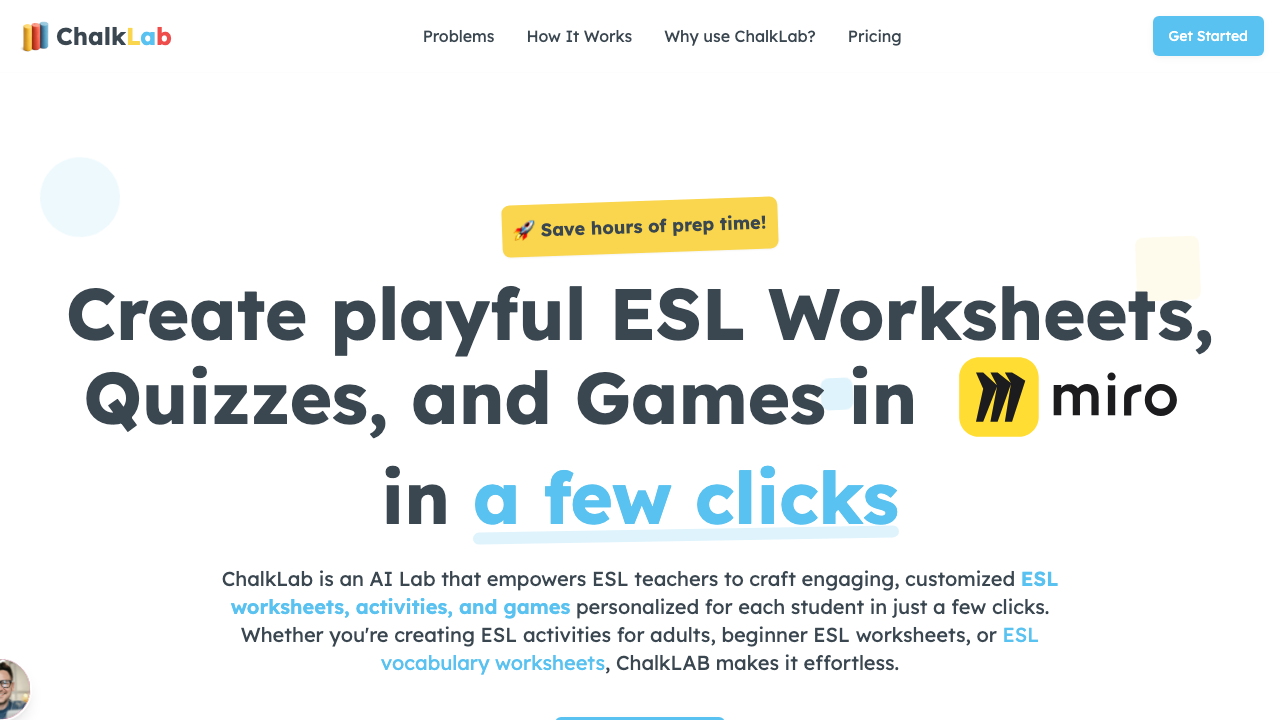
This is the strongest tool I've found for ESL unit plans specifically. You set a theme, level, and number of lessons, and it generates a multi-day sequence with vocabulary spiraling built in. Each lesson references previous ones. The assessment at the end connects to the objectives from day one. It's not perfect -- I always swap out some activities -- but the architecture saves hours.
Planboard by Chalk
More of a planning and calendar tool than a generator, but it's excellent for mapping out unit sequences visually. You can drag lessons around, see how skills distribute across the week, and spot gaps. I use it after generating individual plans to check the big picture.
MagicSchool AI (in sequence mode)
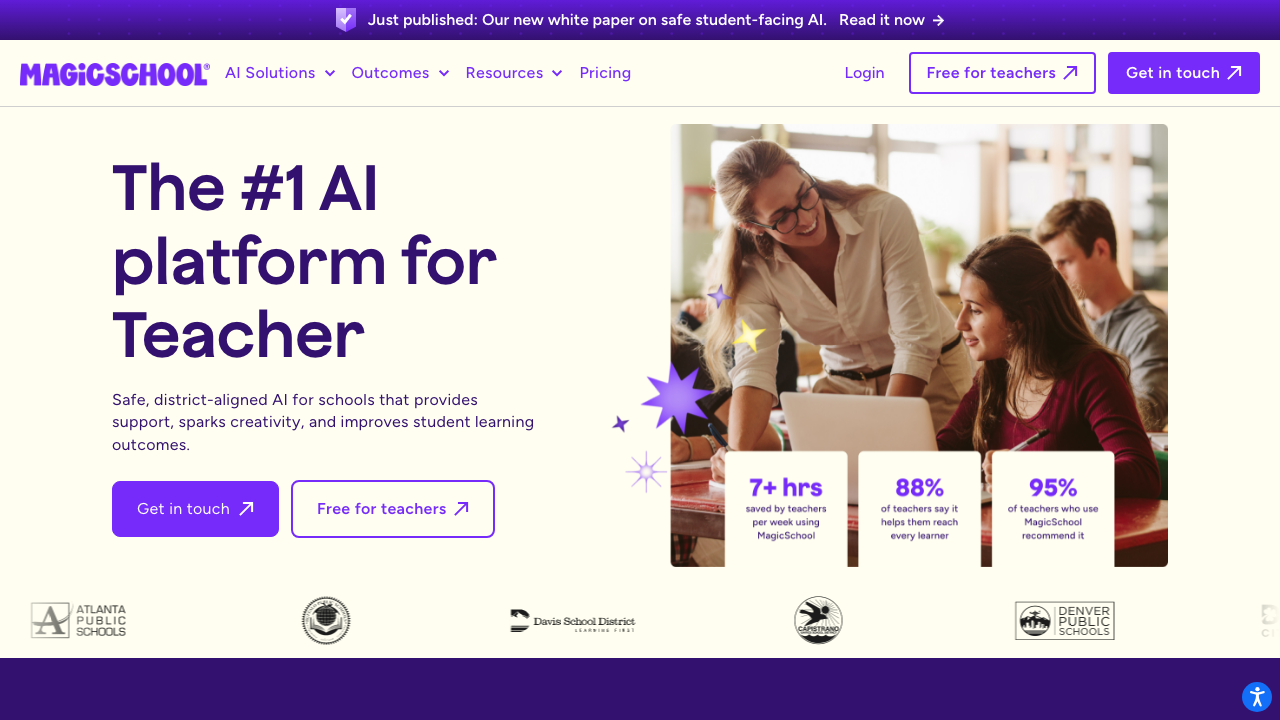
MagicSchool doesn't have a dedicated unit planner, but if you prompt it carefully -- "Create a 5-lesson sequence on [topic] for [level], where each lesson builds on the previous one" -- it does a reasonable job. The connections between lessons aren't as tight as Chalk's, but the individual lesson quality is often better.
Notion + AI
Some teachers build their unit plans in Notion using a database template, then use Notion AI to fill in individual lesson details. The advantage is total customization. The disadvantage is setup time -- you're building the framework yourself.
The best unit plan tool is the one that handles the connections between lessons -- not just the lessons themselves. Isolated plans don't make a unit.
My Hybrid Approach
Here's what I actually do now:
- Use Chalk.AI to generate the unit skeleton with vocabulary spiral (15 min)
- Swap out activities I don't like with ones from resource sites like ISL Collective and ESL Brains
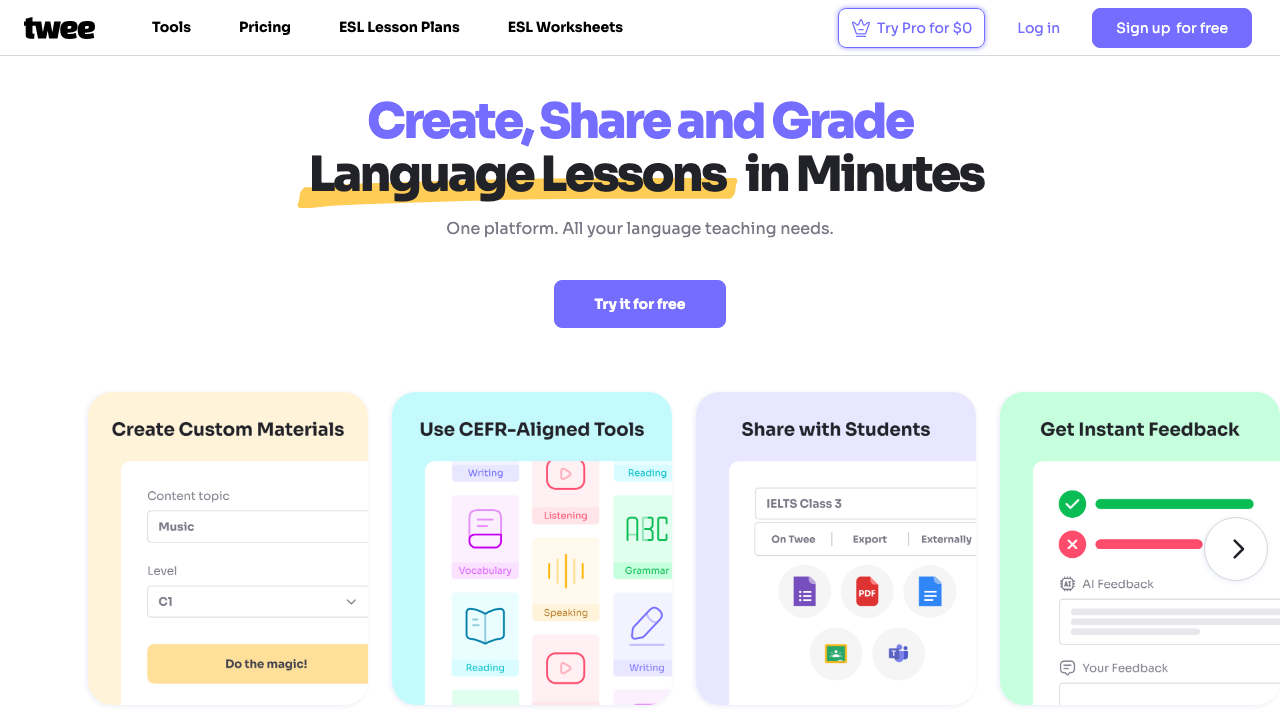
- Use Twee to generate custom dialogues for speaking lessons (5 min each)
- Map the whole thing in Planboard to check for balance
Total time: about 90 minutes for a 4-week unit. Down from six hours. That Portland Saturday I'll never get back was worth the lesson, at least.
For individual lesson planning within your unit, check out our guide on the best AI tools for ESL lesson plans and how to structure each lesson.