 Conversation Questions
How to Use Flipgrid for ESL Speaking Questions and Responses
My quietest student -- a B1 learner from Vietnam who barely said three words in class -- recorded a two-minute Flipgrid response about her favorite childhood memory. Fluent, detailed, and genuinely moving. Some students just need the pressure of live conversation removed to actually speak.
What Flipgrid Does
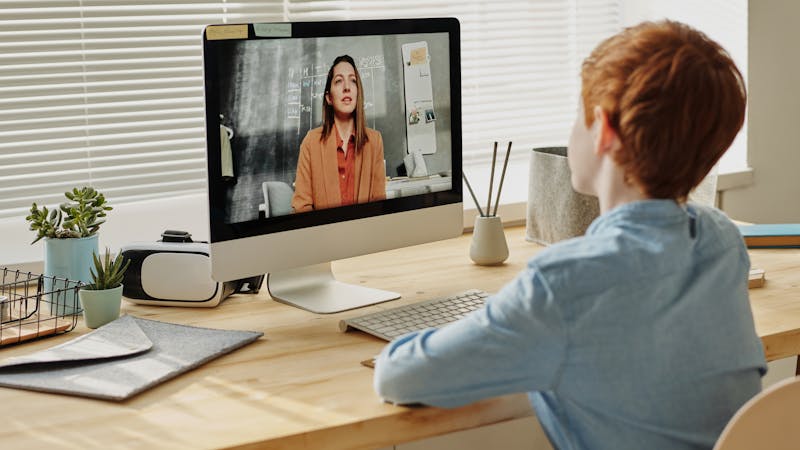
Flipgrid (now called Flip, owned by Microsoft) is a free video discussion platform. You post a question or prompt. Students record short video responses. Other students can watch and reply with their own videos. It's asynchronous speaking practice -- students record when they're ready, rerecord if they want, and don't have to worry about 20 classmates staring at them.
Setting Up Your First ESL Flipgrid Topic
Create a free account at flip.com. Make a "Group" for your class. Then post a "Topic" -- that's your speaking question. Keep it specific: "Tell me about a meal you cooked recently and how you made it" works better than "Talk about food."
Set the response length to 1-3 minutes for intermediate students, 30-90 seconds for beginners. You can add a video of yourself modeling the response, which helps students understand the expectations. Always model first.
ESL-Specific Tips That Actually Help
- Allow rerecording. Students can record multiple takes and submit their best one. This alone reduces speaking anxiety dramatically.
- Add vocabulary support. Put key words and phrases in the topic description so students have scaffolding while they record.
- Require peer responses. Have each student reply to at least one classmate's video. This creates actual conversation, not just monologues.
- Use it for homework. Assign the question Monday, due Wednesday. Students practice at home where they're comfortable.
Generating Good Flipgrid Questions with AI
Not every conversation question works for video responses. You need questions that invite stories, descriptions, or opinions -- not yes/no answers. ChalkLab can generate "open-ended speaking prompts" specifically designed for extended responses. Tell it the level and topic, and specify that you want prompts suitable for 1-2 minute video responses.
The Limitations
Flipgrid doesn't give you real-time interaction. Students aren't negotiating meaning or clarifying misunderstandings in the moment -- which is a core part of communicative competence. Use it as a supplement to in-class speaking practice, not a replacement. Some students also feel awkward recording themselves on camera. Offer audio-only as an option when possible.
Despite the limitations, Flipgrid gives quiet students a voice they don't always find in the classroom. Pair it with AI-generated prompts from ChalkLab and you've got a low-prep, high-impact speaking activity. For more speaking tools, check my speaking tools guide.